

















Store Management Hub
Update prices, add new items, and manage incoming orders in real-time.
109
Total Dishes
0
Pending Orders
Rs. 0
Total Online Sales
0
Total Orders
Quick Actions & Tips
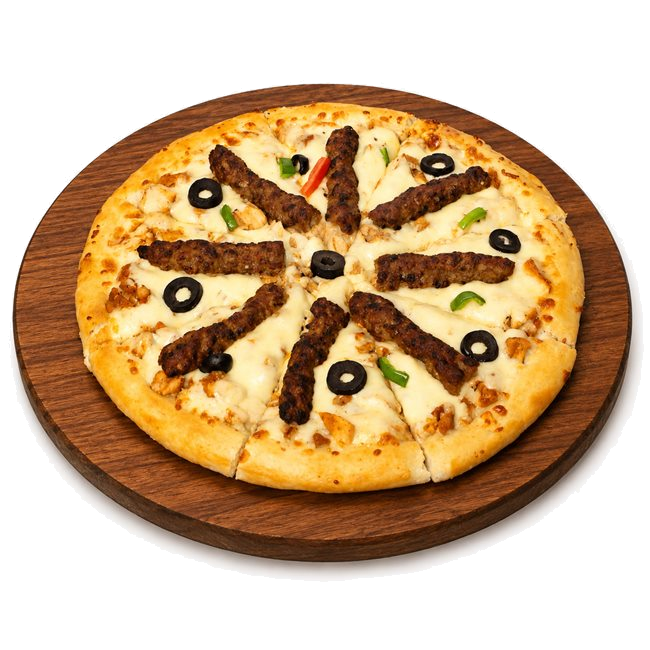
✅ How to change prices: Go to the Manage Products tab, search for the dish (e.g. "Mighty Burger" or "Afghani Pizza"), click Edit ✏️, update the price, and click Save. The price will change immediately on the customer site.
✅ How to toggle out-of-stock items: Click the Stock 🔄 button next to any item to toggle between In Stock and Sold Out.
✅ WhatsApp Orders: All orders placed by customers arrive directly on WhatsApp with pre-formatted bills!