





































Store Management Hub
Update prices, add new items, and manage incoming orders in real-time.
Quick Actions & Tips
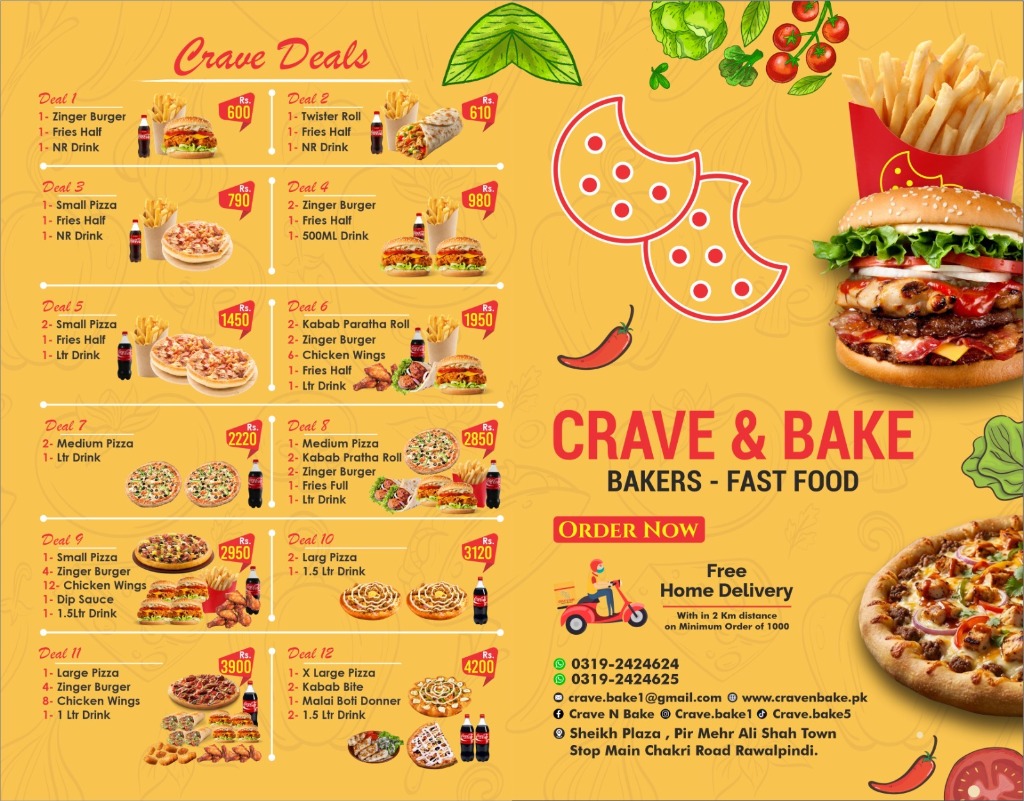
✅ How to change prices: Go to the Manage Products tab, search for the dish (e.g. "Mighty Burger" or "Afghani Pizza"), click Edit ✏️, update the price, and click Save. The price will change immediately on the customer site.
✅ How to toggle out-of-stock items: Click the Stock 🔄 button next to any item to toggle between In Stock and Sold Out.
✅ WhatsApp Orders: All orders placed by customers arrive directly on WhatsApp with pre-formatted bills!
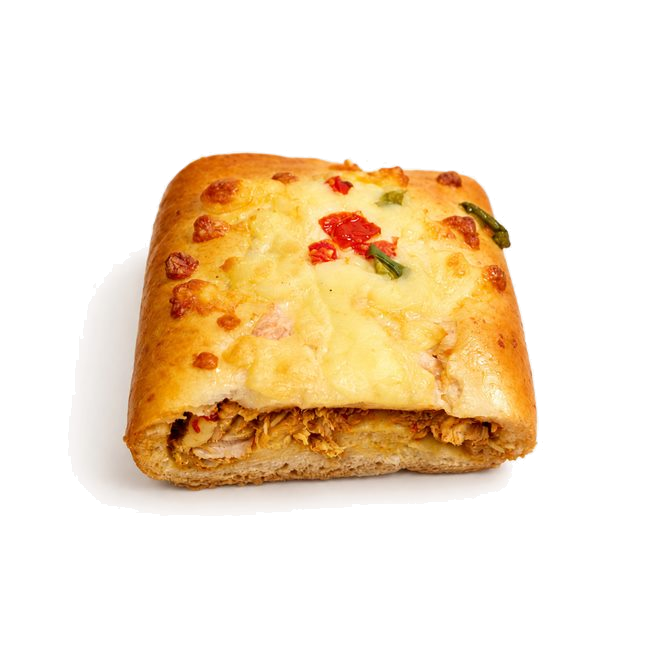
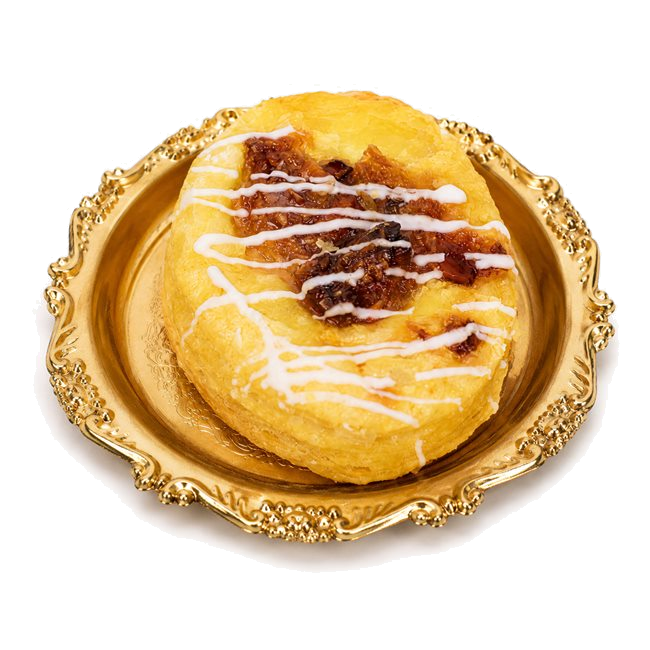
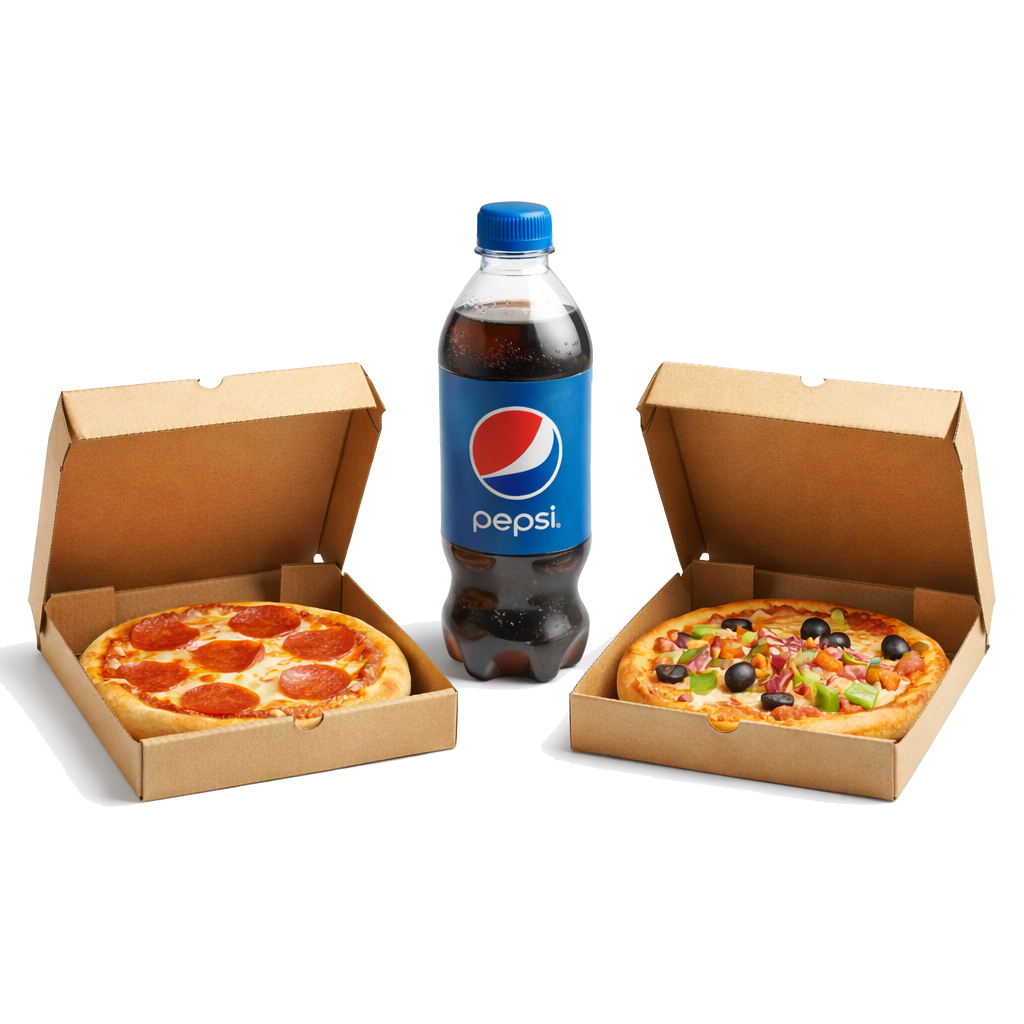
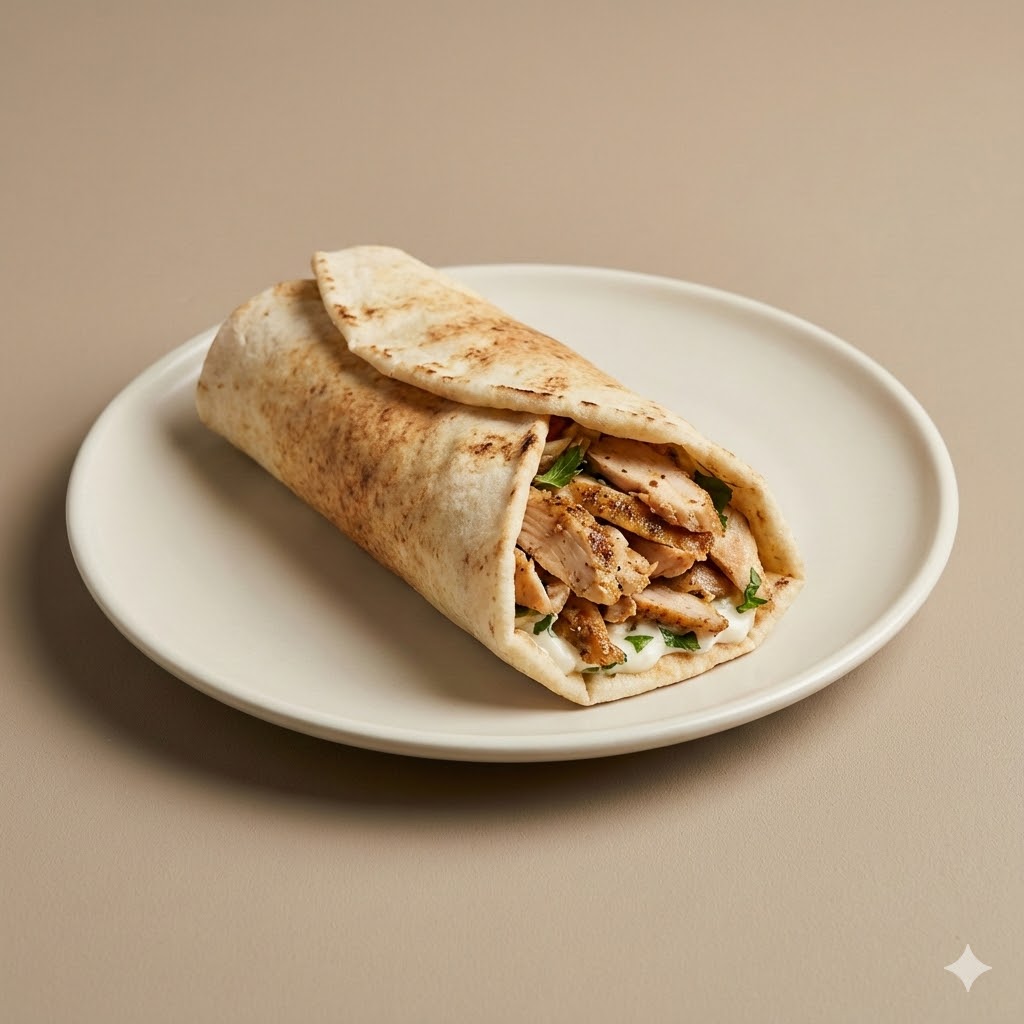
| Photo | Dish / Item Name | Category | Price | Availability | Actions |
|---|
Online Customer Orders History
| Order # | Date & Time | Customer Info | Items Ordered | Amount | Status |
|---|
Store Configuration
Meta / Facebook Ads Product Catalog Feed
Facebook aur Instagram Ads ke liye auto-sync Catalog feed tayyar hai. Is link ko apne Meta Commerce Manager mein Data Sources > Data Feed mein paste karein:
Data Backup & Recovery
Export your catalog to keep a secure backup on your computer, or import when updating from another device.